


Description
2FA byAkyras 3.0 — Your data deserves more than a password
Customers, quotes, invoices, financial data: your Dolibarr holds information that is essential to your business. A compromised password should never be enough to get in.
With 2FA byAkyras, add a second proof of identity at login. Your teams choose a method that suits their habits. You stay in control of rules and access.
A familiar gesture for your teams. Extra protection for your business.
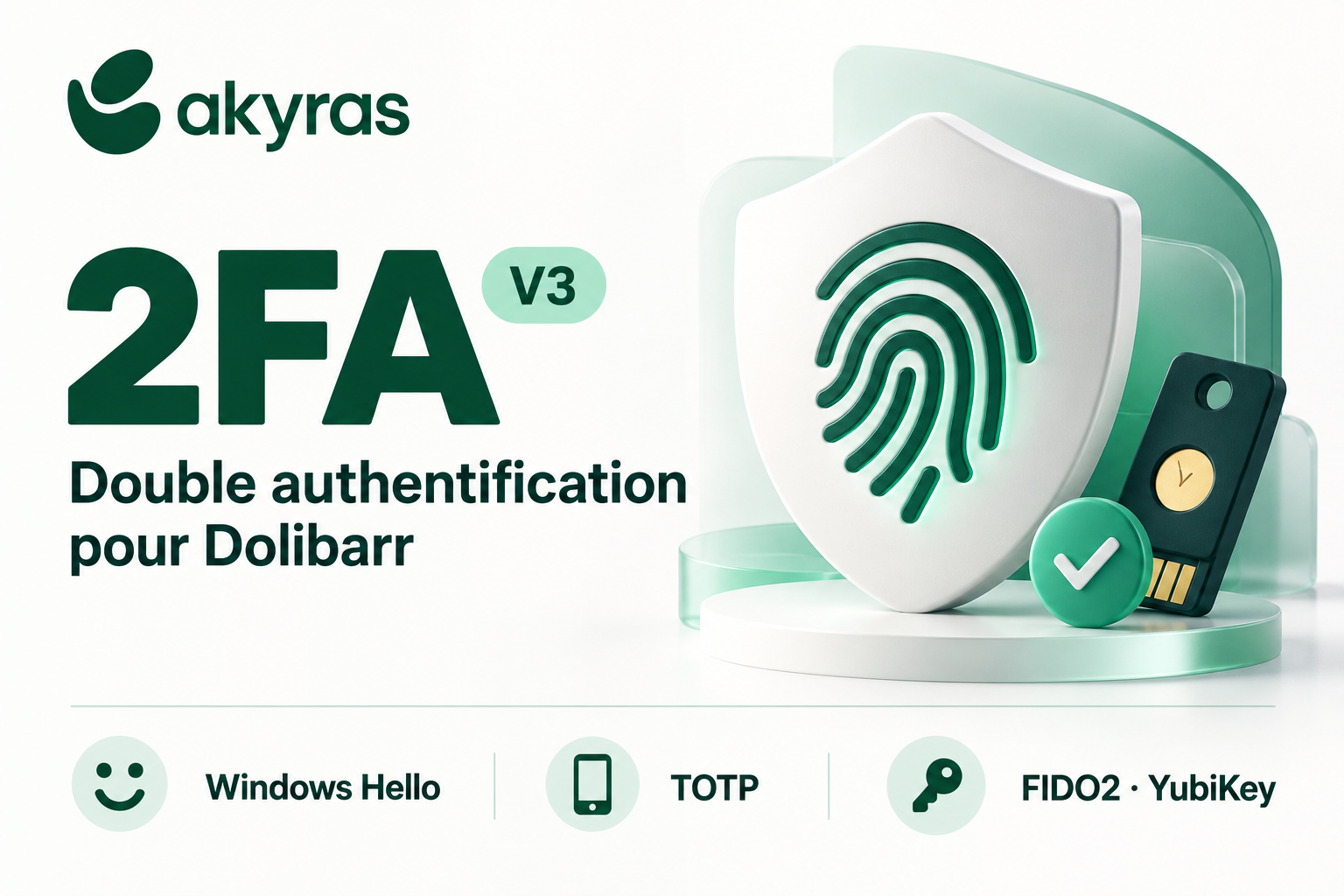
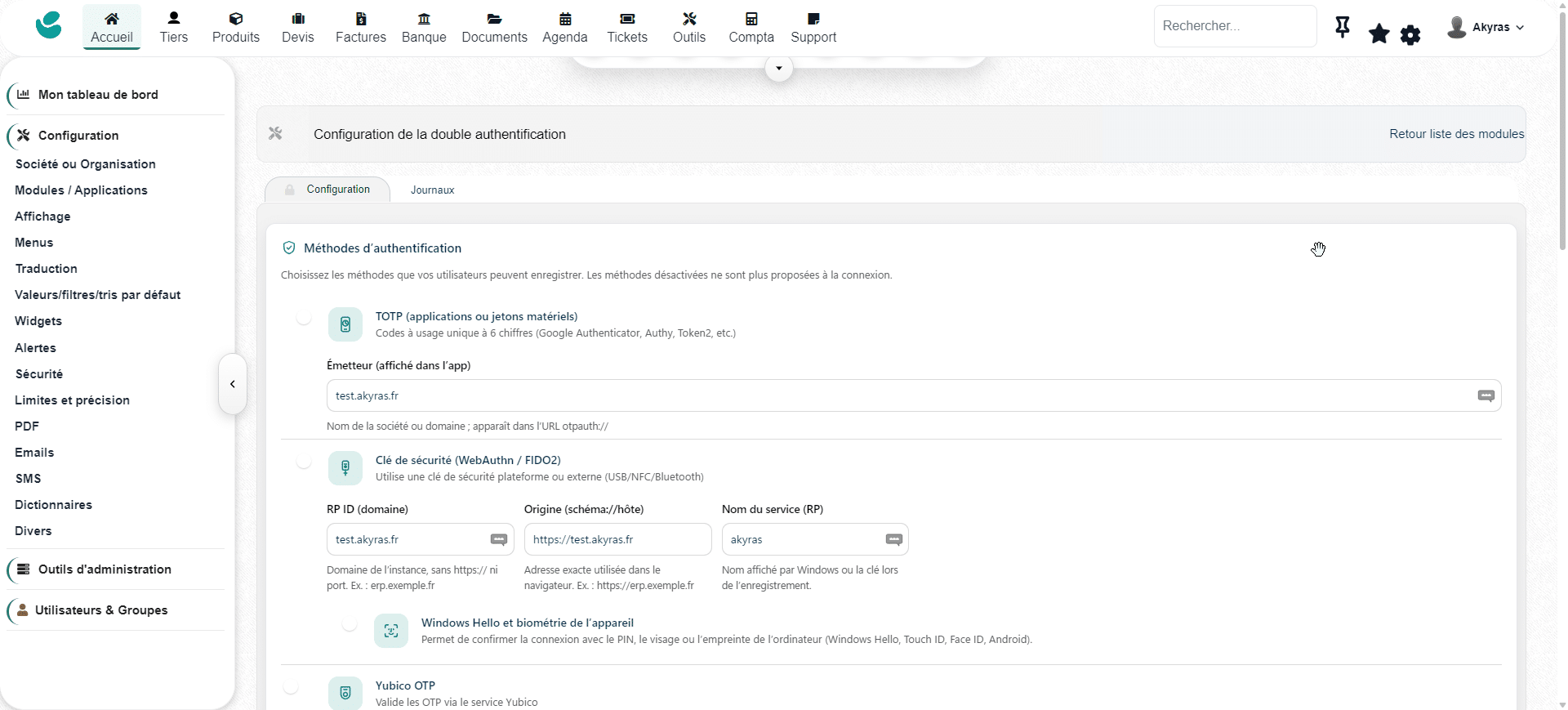
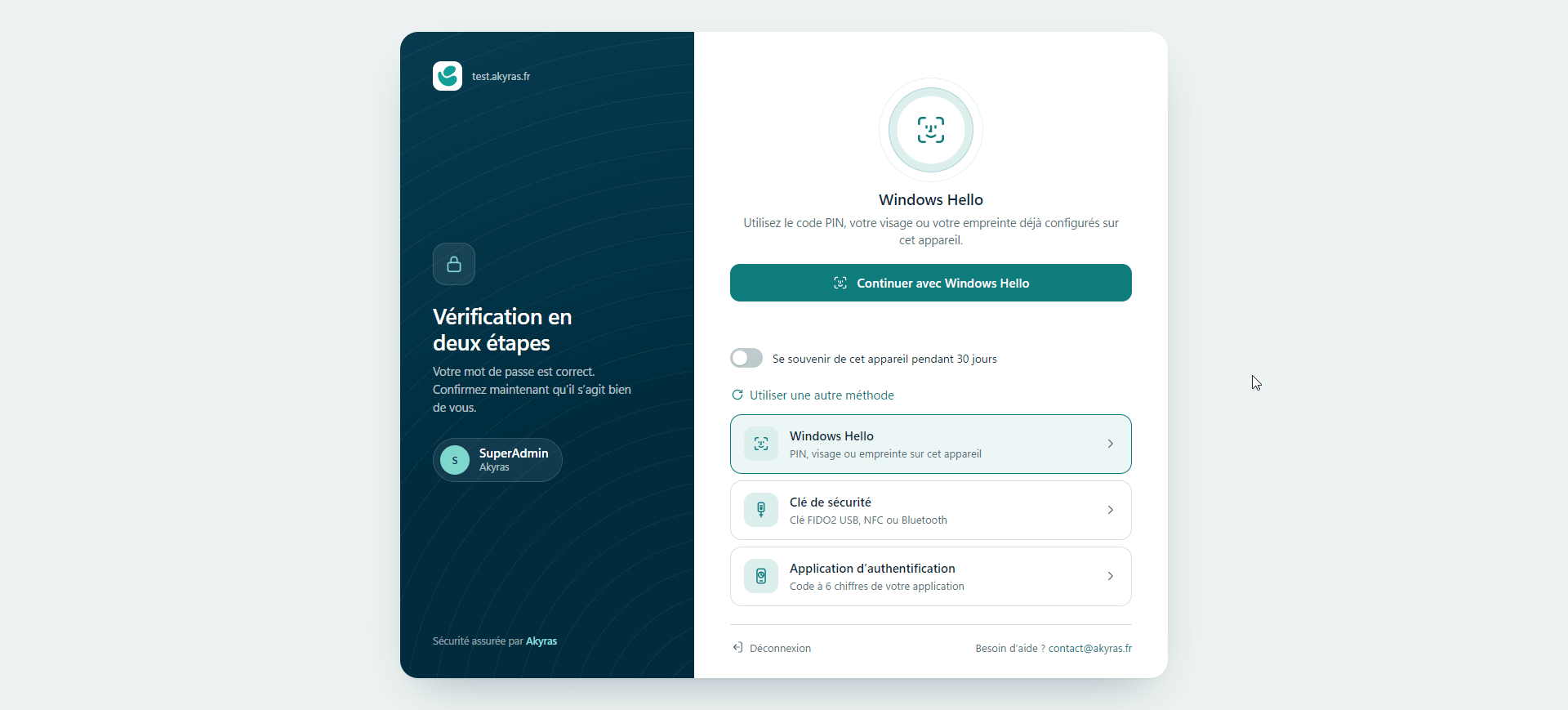
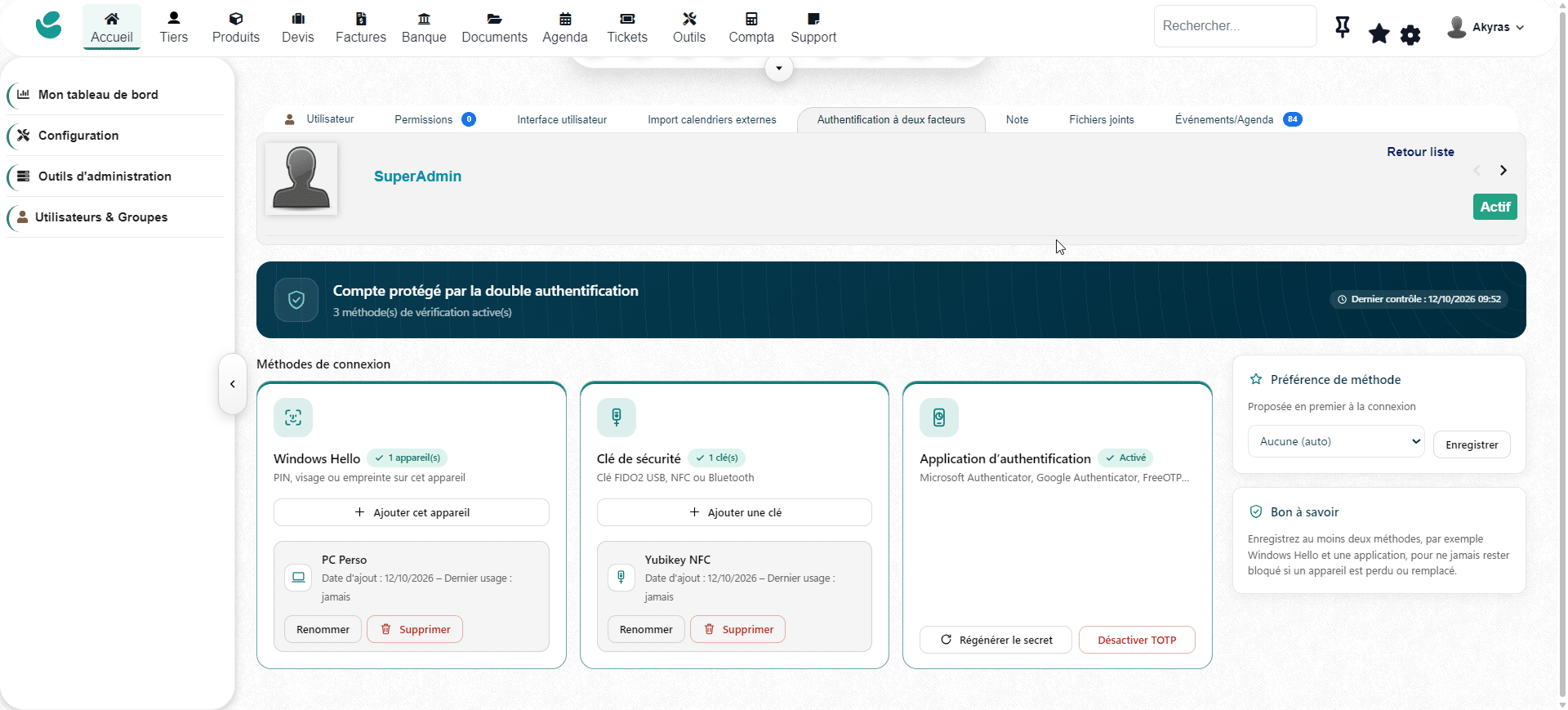
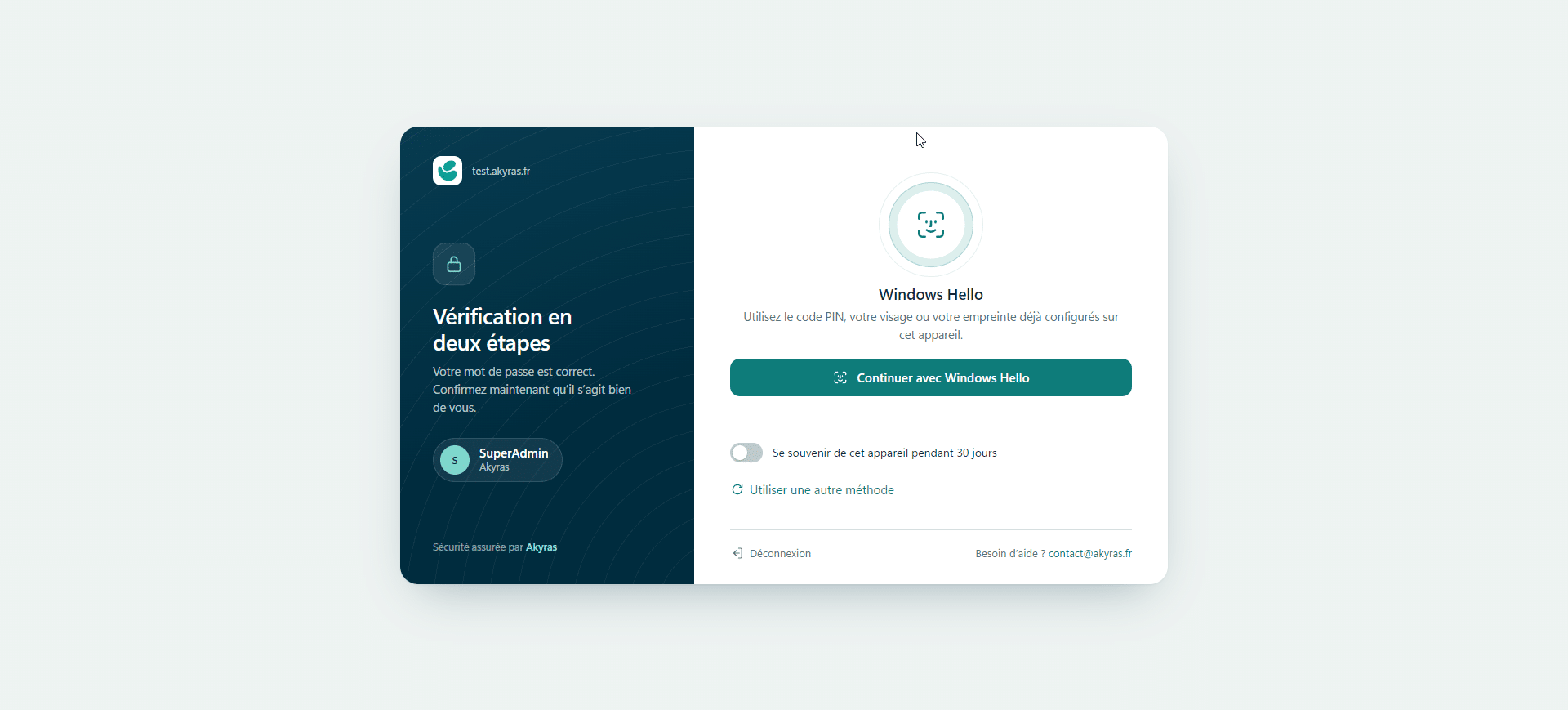
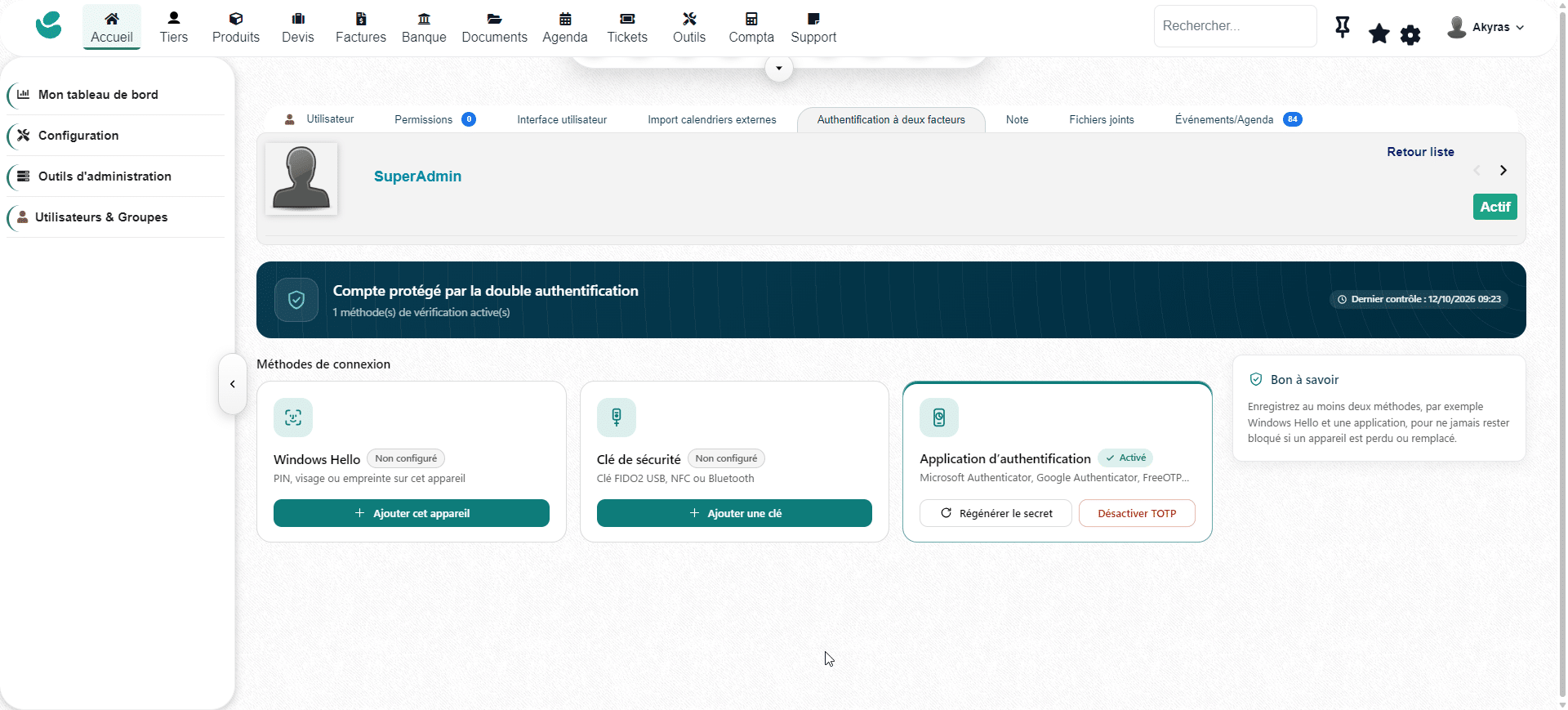
Windows Hello, authenticator app or security key: everyone uses the method that suits them.
- Windows Hello and built-in authenticators: confirm with a PIN, fingerprint or facial recognition, depending on the compatible device and browser. Platform authenticators such as Touch ID and Face ID are also supported on compatible setups.
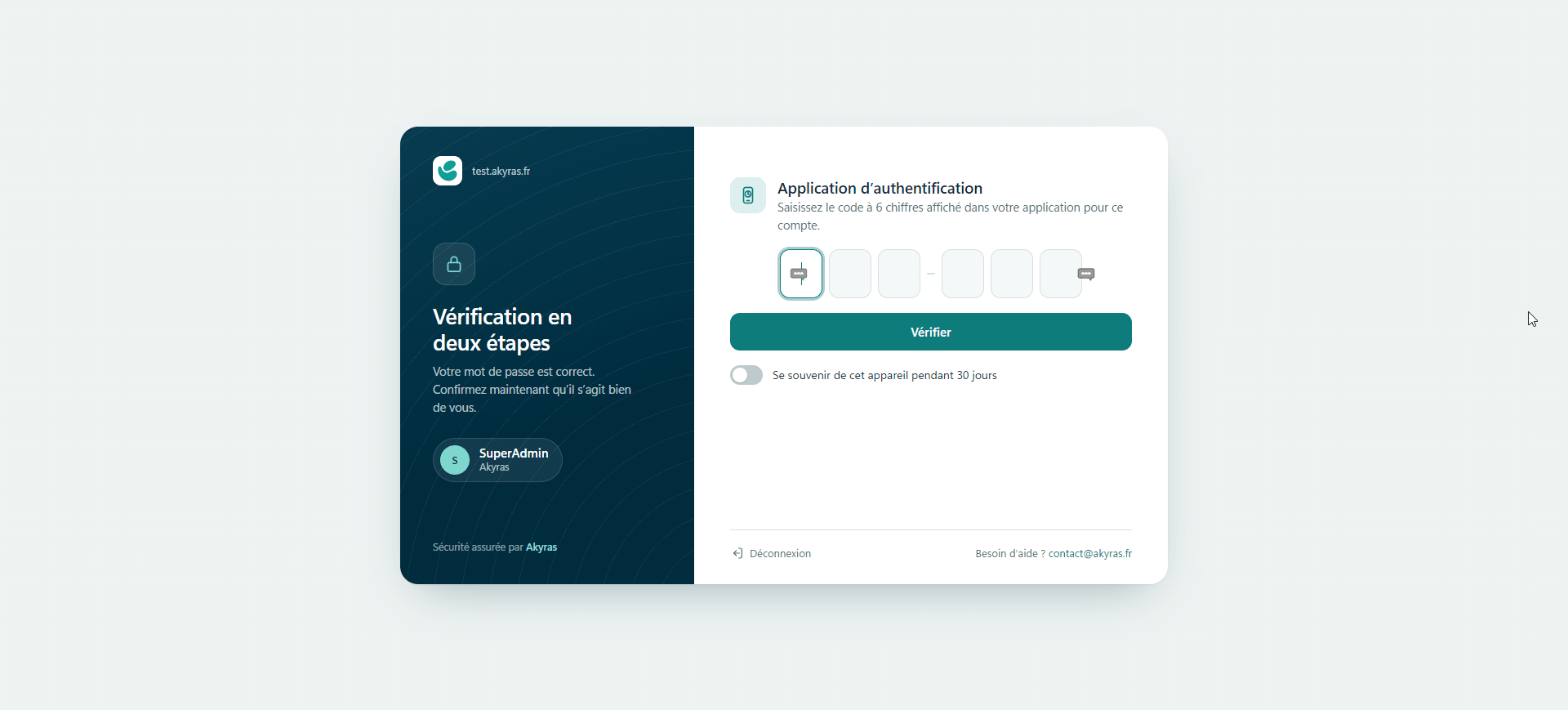
- TOTP mobile app: use time-based codes from Google Authenticator, Microsoft Authenticator, Authy, Aegis or any other compatible app.
- Security keys: choose a compatible FIDO2 key or the YubiKey OTP method.
Guided setup walks users through activation. The interface adapts to desktop and mobile, with automatic dark mode and over 60 languages.
On a regular workstation, the “Remember this device” option reduces repeated prompts. Backup codes let users regain access if their usual authentication method is unavailable.
Simplicity on screen. Security at the heart of every login.
A password alone does not open the session
No authenticated Dolibarr session is established until the second factor has been verified. Protection is built into the login process: knowing the password is not enough.
Phishing resistance with FIDO2 and WebAuthn
Windows Hello and FIDO2 keys rely on cryptographic verification bound to the legitimate site. The server checks the response, origin and domain, using unique challenges and replay protection. Biometric data never leaves the device.
This phishing resistance applies to FIDO2/WebAuthn methods; it does not extend to TOTP codes.
Protected secrets, controlled attempts
- TOTP secrets encrypted with AES-256 and backup codes protected by hashing.
- Trusted device protection, plus safeguards against CSRF attacks and unauthorized redirects.
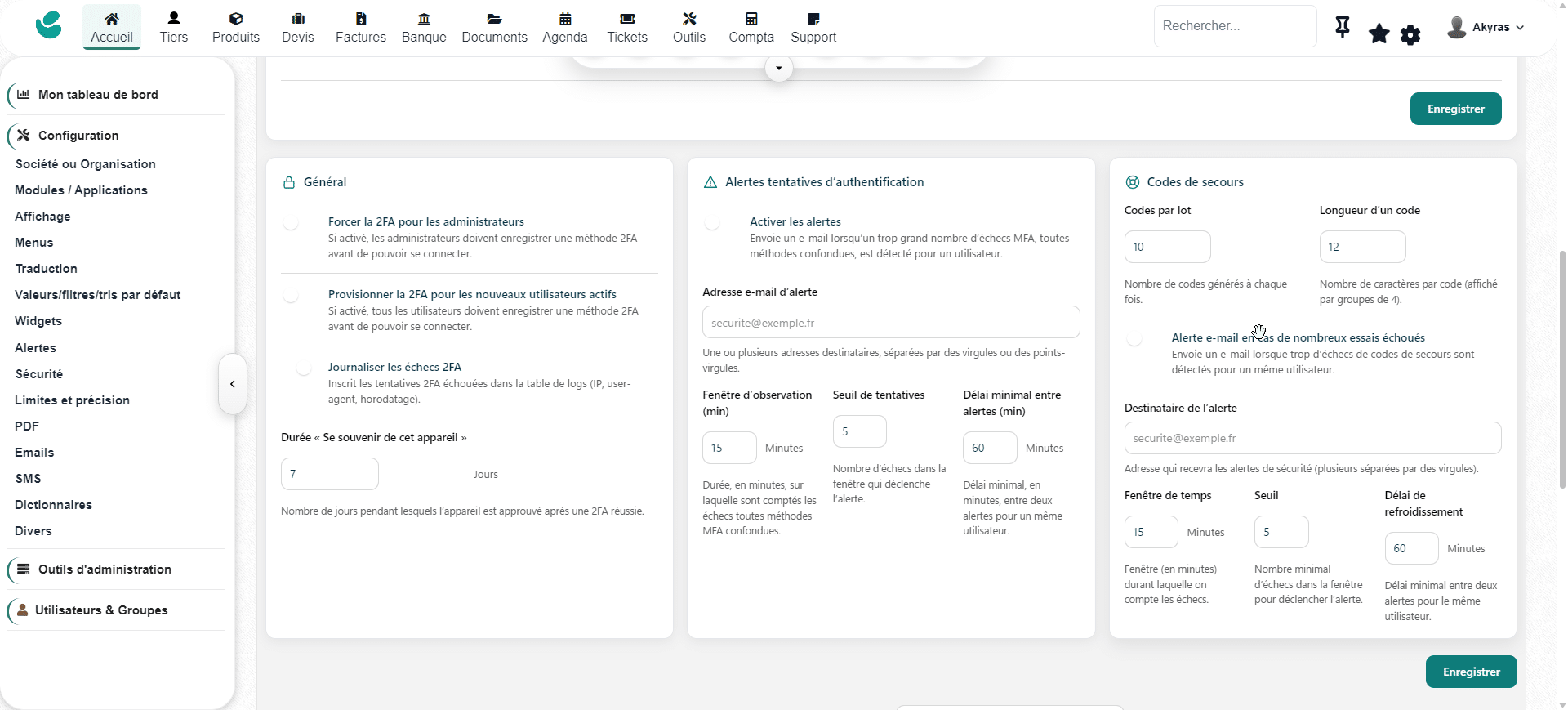
- Attempt limiting, temporary lockout after repeated failures, and prevention of time-based code reuse.
- Logging of successful and rejected logins, with configurable email alerts on suspicious events.
Your authentication, in your infrastructure
Local methods run on your own Dolibarr server, with no Akyras account required and no external Akyras identity service. Only the YubiKey OTP method uses YubiCloud to validate codes when it is enabled.
Roll out at your own pace. Keep a clear view of access.
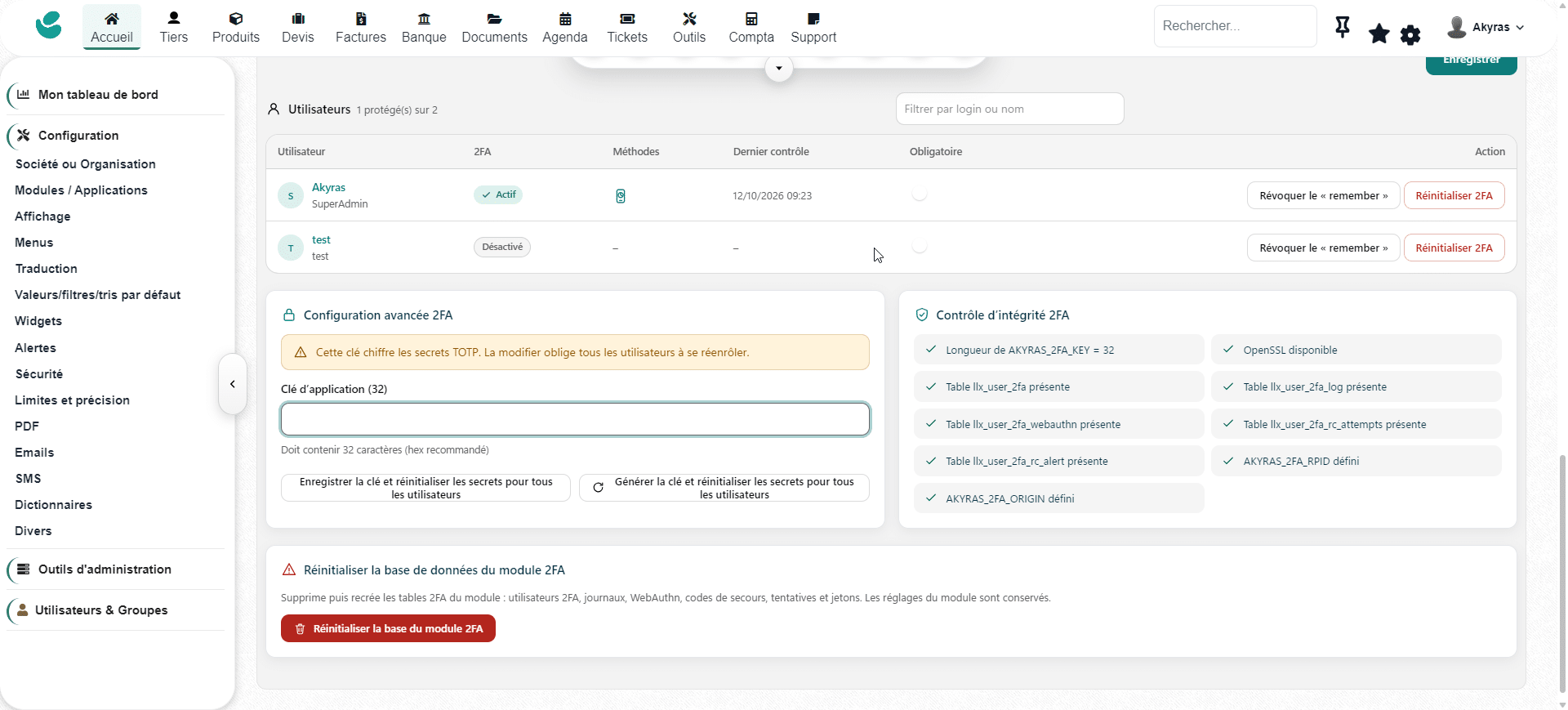
- Targeted enforcement: make 2FA mandatory for everyone, for administrators only, or for specific users.
- V3 dashboard: track adoption rate, registered devices, successful and failed logins over the last 24 hours, and users still to be enrolled.
- Access recovery: reset a user’s 2FA so they can set it up again, without ever viewing their personal secrets.
- Audit log: search login attempts, view date, IP address and browser, export to CSV and manage purging.
Requirements and support
Dolibarr 23 and 24 · PHP 7.4 minimum with OpenSSL · MySQL or MariaDB.
HTTPS is required for Windows Hello and FIDO2/WebAuthn keys. Available methods depend on the device and browser. YubiKey OTP requires YubiCloud credentials and outbound HTTPS access. A change of IP address may require a remembered device to be verified again.
Email support for installation, configuration and module issues. Access to downloads and updates lasts for the period stated on this DoliStore page. Back up your instance before activation and set up a recovery method before making 2FA mandatory.
Any questions before rolling it out to your teams? Contact Akyras: contact@akyras.com.
Strengthen your Dolibarr’s protection with methods your teams can use every day.